

Full programme
- Check out the latest session timetable
- Create your own schedule of events and meetings
- Watch broadcasts online


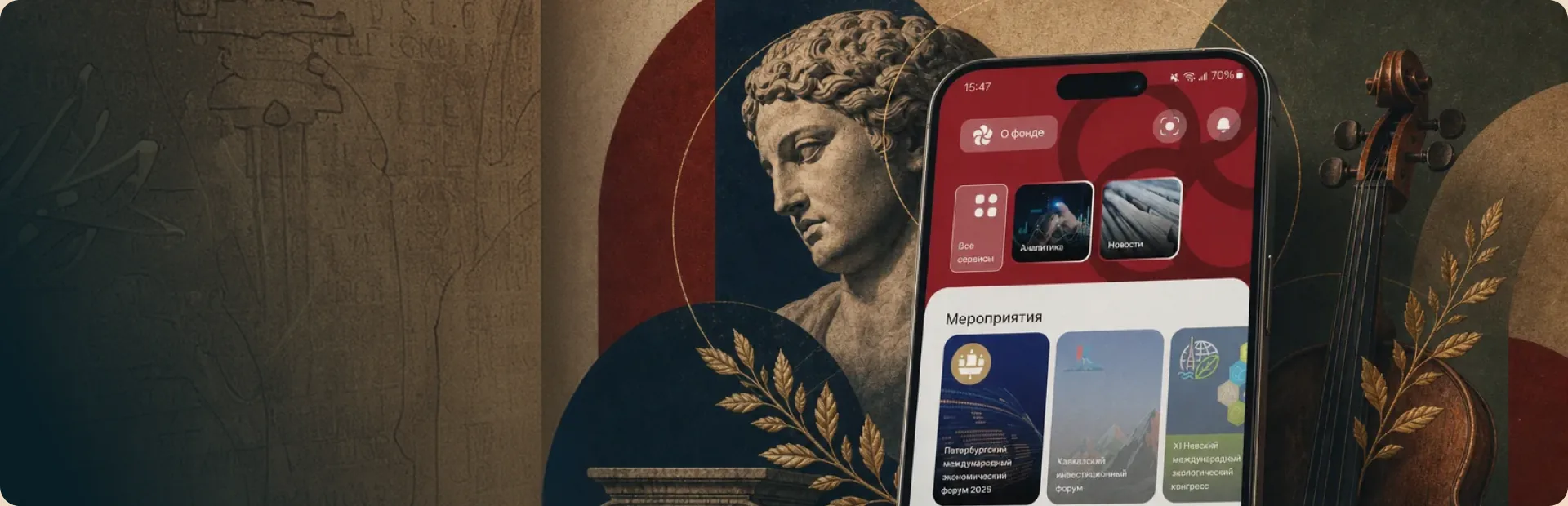
Download the mobile app to get all the latest information about Roscongress Foundation events, access to more opportunities to network, and useful tools to help you get the most out of events.
The mobile app has been created for participants of all Roscongress Foundation events to get information, engage with others, and access services in a single place.
Particular categories and services in the mobile app activate as events approach.
Download today from the App Store, Google Play, or RuStore (just search for: Roscongress).



Enter the log in and password for your Roscongress personal account to gain instant access to all available features.
Forum participants can schedule business meetings in the Day Planner section of their Roscongress personal account or the Roscongress mobile app. Use the service to plan a meeting at the Forum or at another venue.
Only those participants who agreed when filling out their application to share their information publicly will show up in the list.
You'll receive a special notification in the mobile app when you have been invited to a meeting. The invitation can be accepted in the Notifications and Business Networking sections of the mobile app.
Set yourself convenient reminders in the Day Planner section of the mobile app by selecting Reminder when creating an event.